Full-suite banking and wealth services at JEM, right in the heart of Jurong East.
OCBC Bank at JEM brings over a century of banking heritage to the thriving Jurong East district, offering a complete range of personal and business financial solutions. The branch provides everyday banking, mortgage advisory, insurance planning, and investment services tailored to the diverse needs of west-side residents. With extended operating hours and a conveniently located basement unit, it is easy to fit a banking visit into a busy shopping or dining schedule. The team is known for attentive service and practical financial guidance, whether you are opening your first account, planning for a home, or exploring wealth-building options. For those who prefer digital banking, the branch also offers self-service kiosks and staff assistance with online platforms. Visit OCBC at JEM and experience banking that keeps pace with your lifestyle.
Poor Service
Visited OCBC on 4/2/26 at 1.08 with Q no 5012 and experienced a long waiting time despite several customer service counters being empty. It was frustrating to see available counters not in use while customers were kept waiting, which caused unnecessary inconvenience.
I hope management can improve staff deployment and queue management to better match OCBC’s reputation for efficiency. Sharing this feedback constructively and looking forward to a better experience in future.
Daz L
Poor service. Inflexible. Poor customer experience. In the end I give up on OCBC. The staff at the service desk (not counter staff) are more interested in looking at their phones than helping customers. Other local banks are much more helpful.
Jimmy Lim
6 counter only 2 staff working . All the customer have to find seat and sleep ! Best part is corporate customer like myself who have to pay monthly fee for their service have to wait so long to be serve. More then half an hour no a single corporate no. was called . OCBC service is getting worst
Tan Bee Hong
Waited 2 hours for nothing ! How can the tellers serving customers leave their counters at the same time. Only 10numbers called during the 2 hours! Do I need to wait for another 2 hours for my turn! Decided to leave the bank!
Positive Reviews
Milky _Way Sky
Took an easy-Q ticket via OCBC mobile digital app.
11:58am and my Q tix was called to teller counter by 12:27 noon.
Attended by Cheryl, very swift in assisting cash withdrawal via joint account …
Write a Review
Photo Gallery
OCBC Bank | JEM
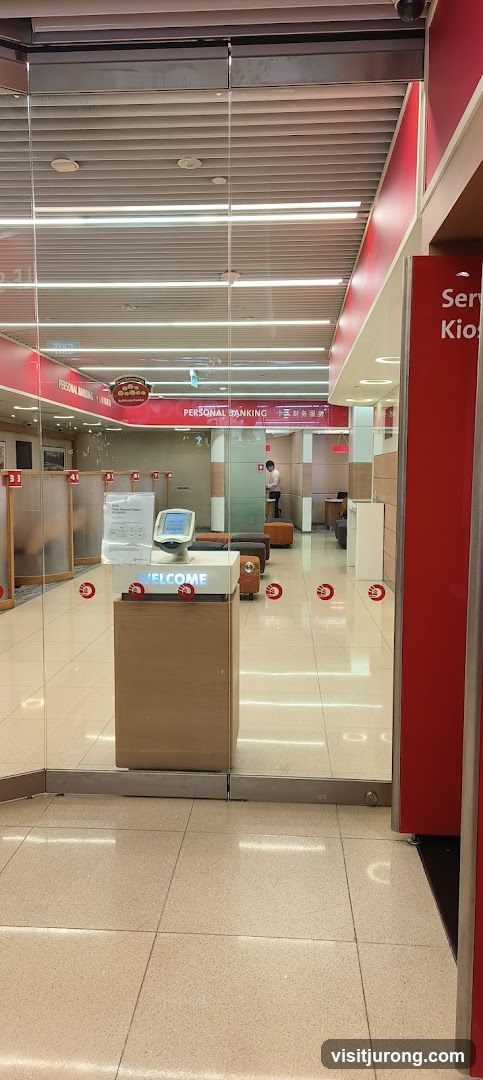
Bank Entrance
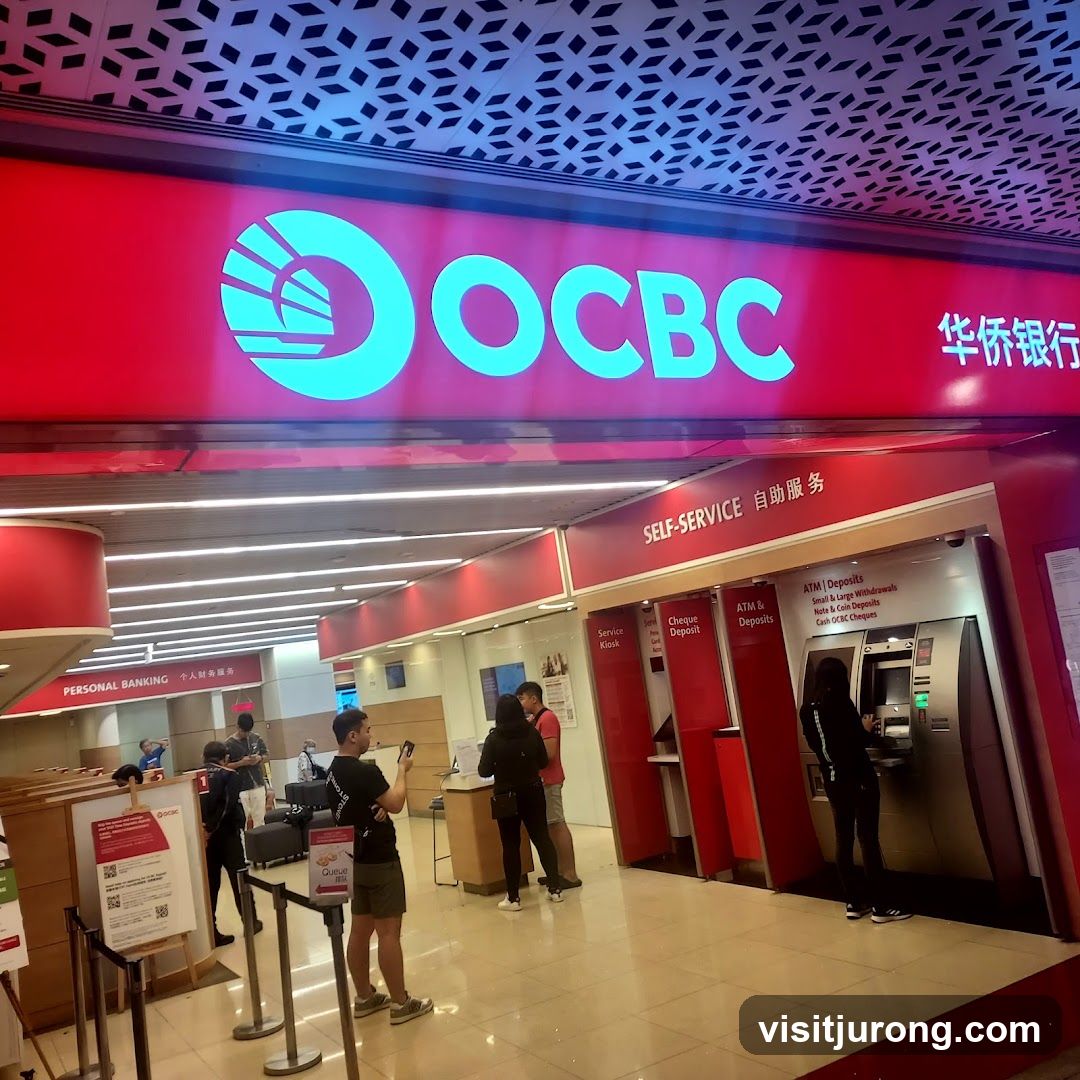
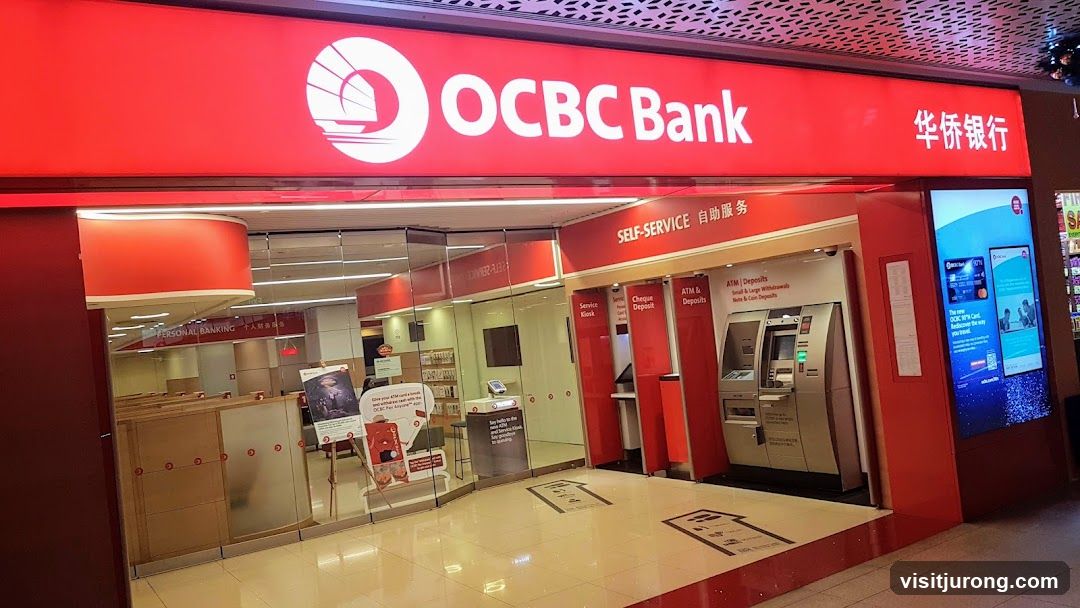
The image shows the entrance to a bank with glass doors. Inside, there are signs for "PERSONAL BANKING" and "Service Kiosk". The interior appears modern with red accents and a clean, tiled floor. There are seating areas and a welcome stand with a screen. A bank employee is visible in the background.
OCBC Bank
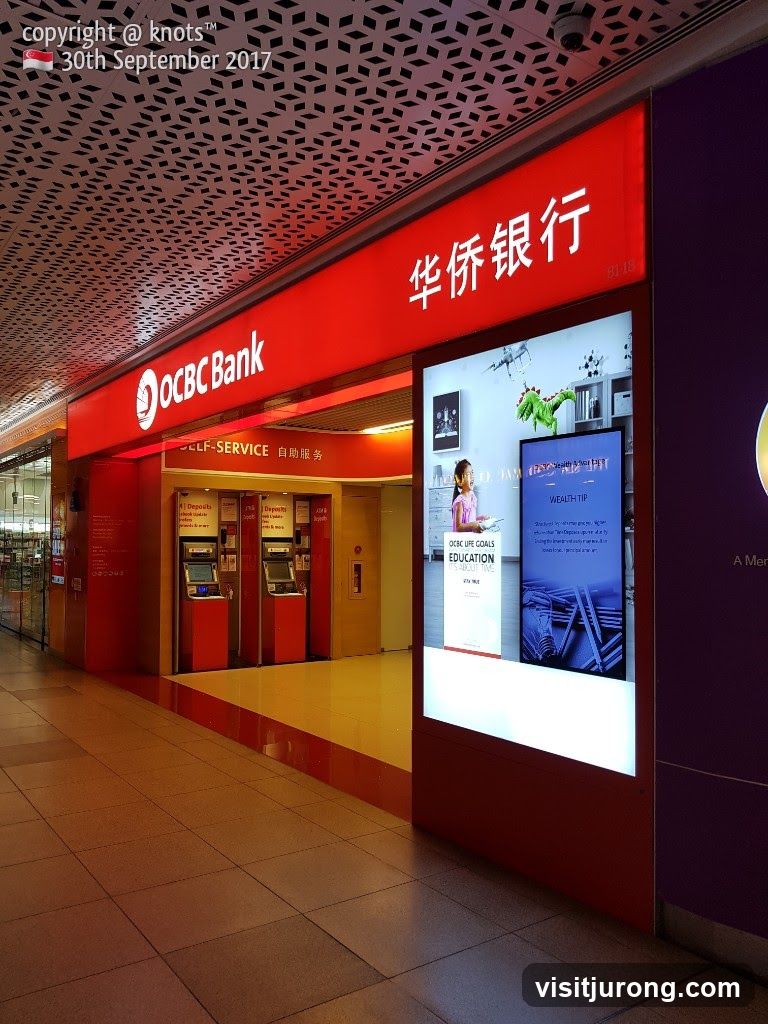
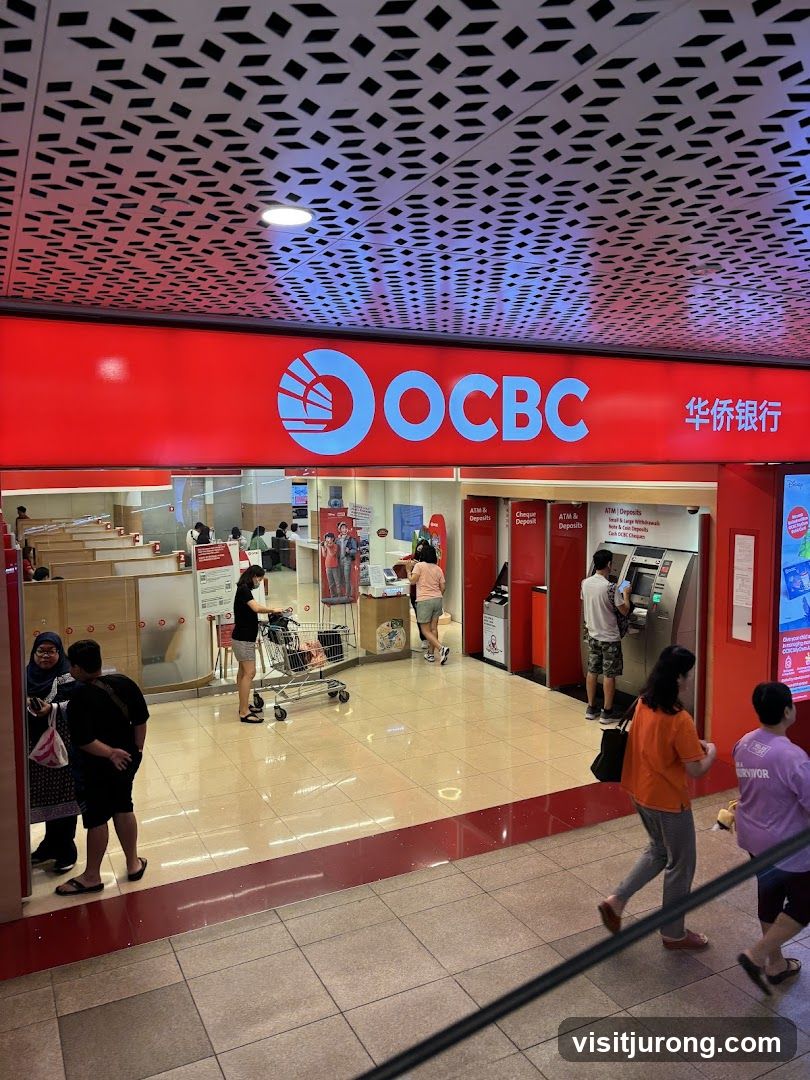
The exterior of an OCBC Bank branch with a large red sign displaying the bank's logo and name. The entrance features a self-service area with ATMs and deposit machines. Inside, "PERSONAL BANKING" is visible.
OCBC Bank
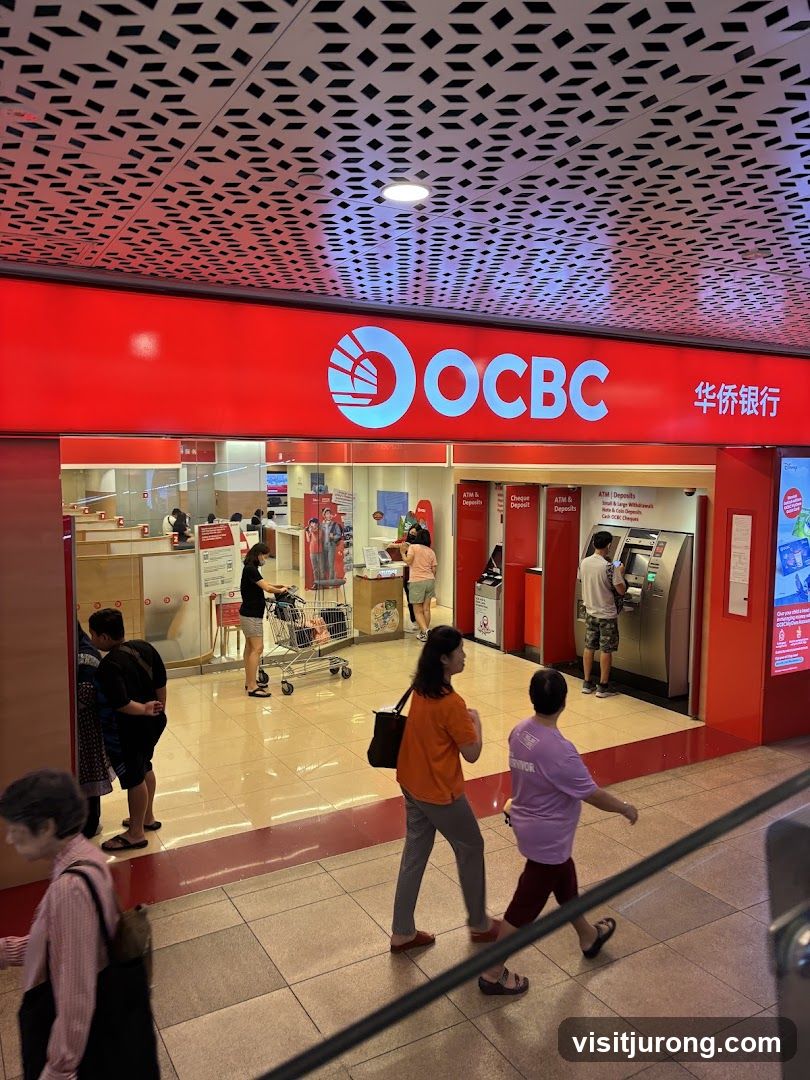
The exterior of an OCBC bank branch with its prominent red signage and logo. Inside, customers are seen interacting with ATMs and bank tellers.
OCBC Bank
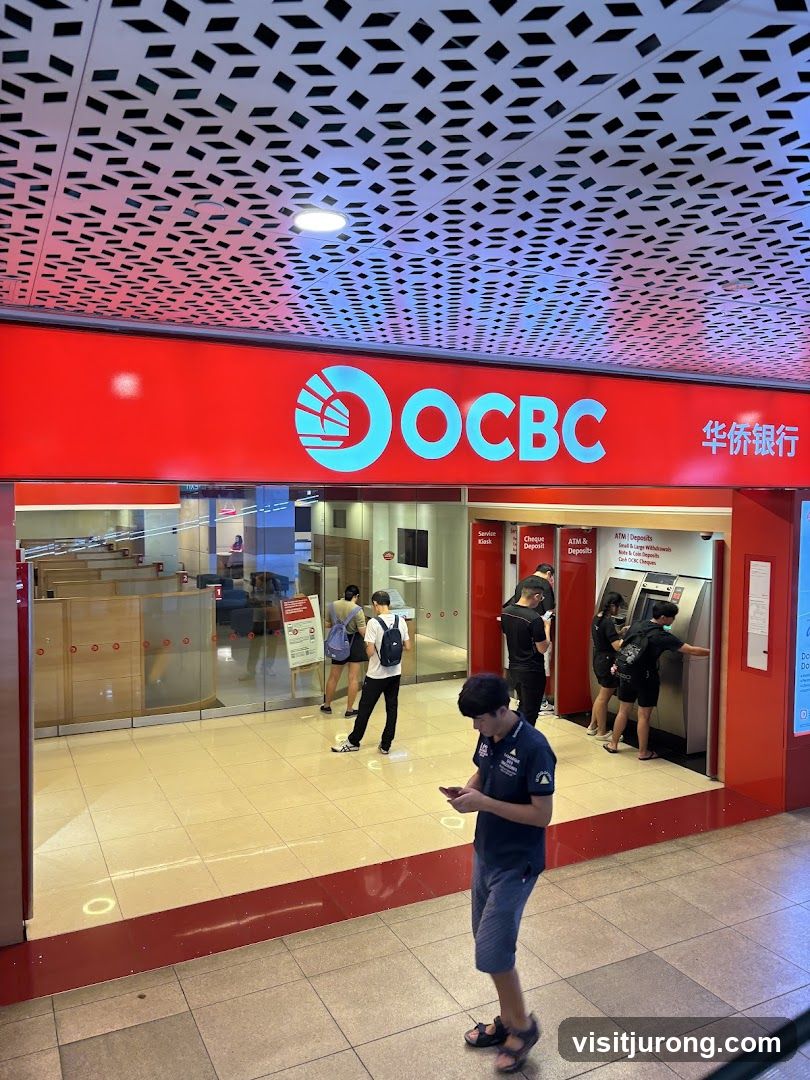
The exterior of an OCBC bank branch with its prominent red signage and logo. Several people are seen inside and outside the bank, with some using ATMs. The interior features glass partitions and wooden counters.
OCBC Bank
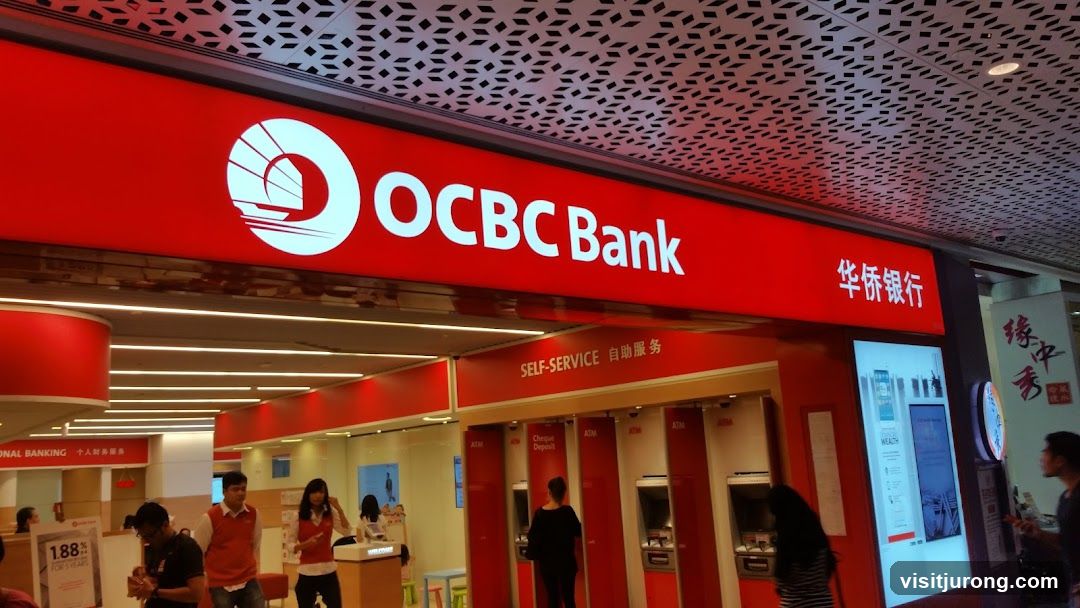
The exterior of an OCBC Bank branch with a large red sign displaying the bank's logo and name. Below the main sign, there is a "SELF-SERVICE" area with multiple ATMs. Several staff members in orange vests are visible inside the bank, assisting customers.
OCBC Bank
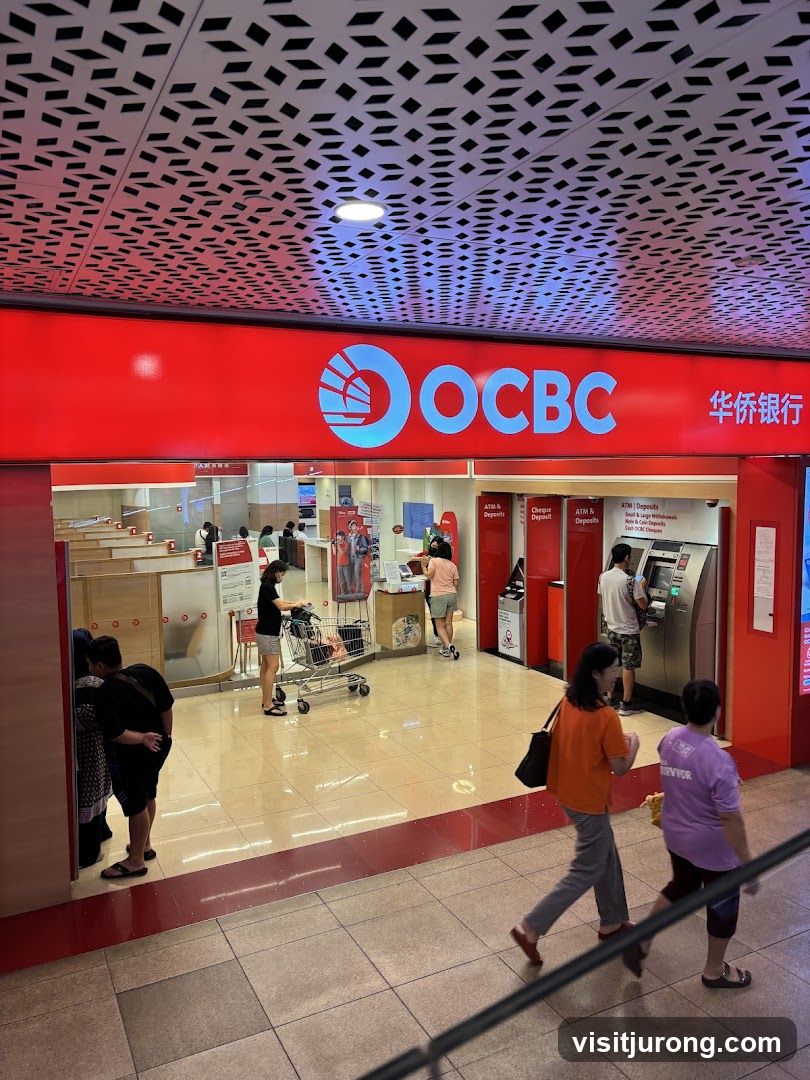
The exterior of an OCBC bank branch with its prominent red signage and logo. Inside, customers are seen interacting with ATMs and at service counters. The bank features a modern interior with a patterned ceiling.
OCBC Bank
The exterior of an OCBC bank branch with its prominent red signage and logo. Inside, customers are seen interacting with ATMs and bank tellers. The interior features a clean, modern design with tiled floors and a patterned ceiling.
OCBC Bank
The exterior of an OCBC bank branch with a large illuminated sign displaying the OCBC logo and name in English and Chinese. Below the sign, there is a self-service area with ATMs and deposit machines. Several customers are visible interacting with the machines or waiting in line. The interior of the bank, including personal banking counters, is also visible.
OCBC Bank
The exterior of an OCBC Bank branch with its red signage and ATMs visible. A digital display shows information about life goals, education, and wealth tips.
Bank Counter with Queue Display
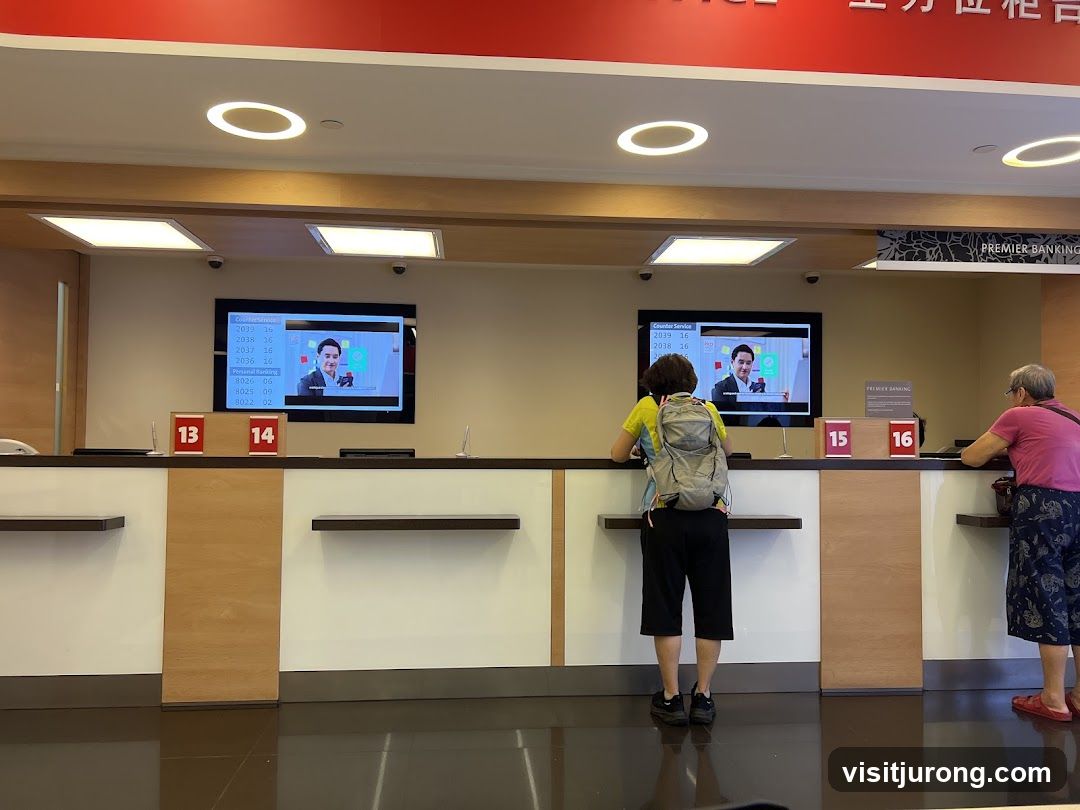
A bank interior with a counter displaying queue numbers on screens and physical signs. Two customers are visible at the counter, one interacting with a teller and another waiting. The screens show queue numbers and a promotional image of a man in a suit. The overall environment appears clean and modern.
Queue Ticket
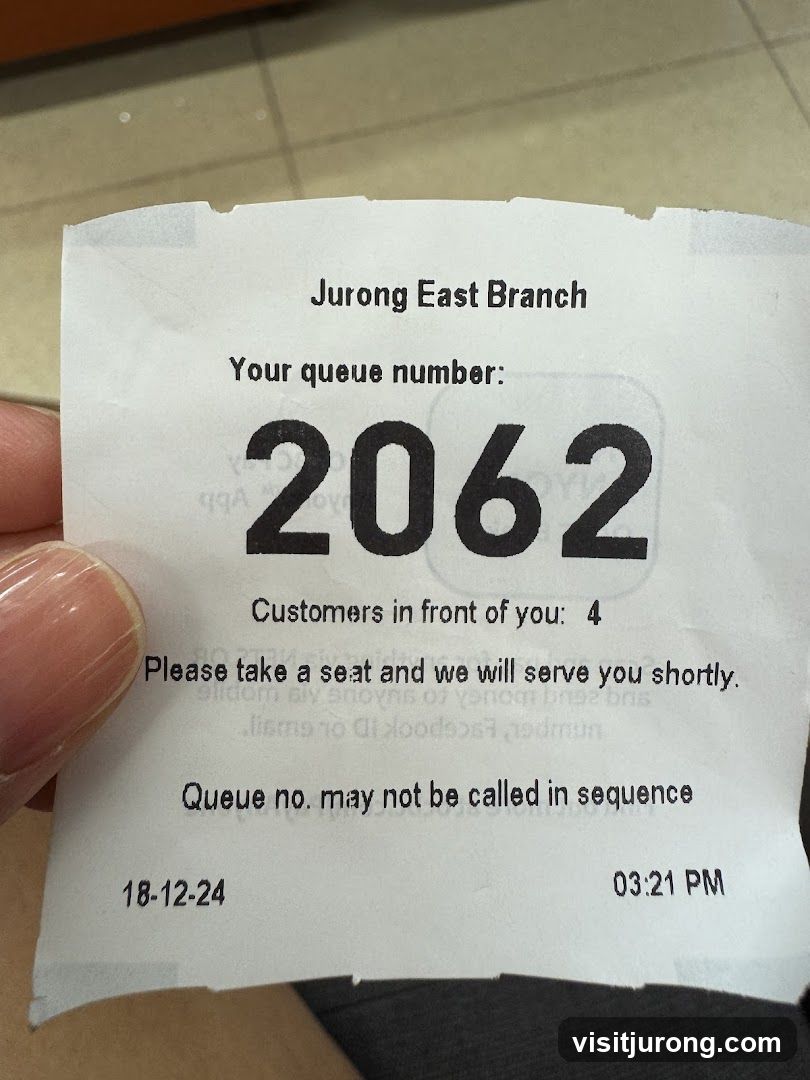
A queue ticket from Jurong East Branch with the number 2062. There are 4 customers in front. The ticket also indicates that the queue number may not be called in sequence, and provides the date 18-12-24 and time 03:21 PM.
Self-Service ATMs
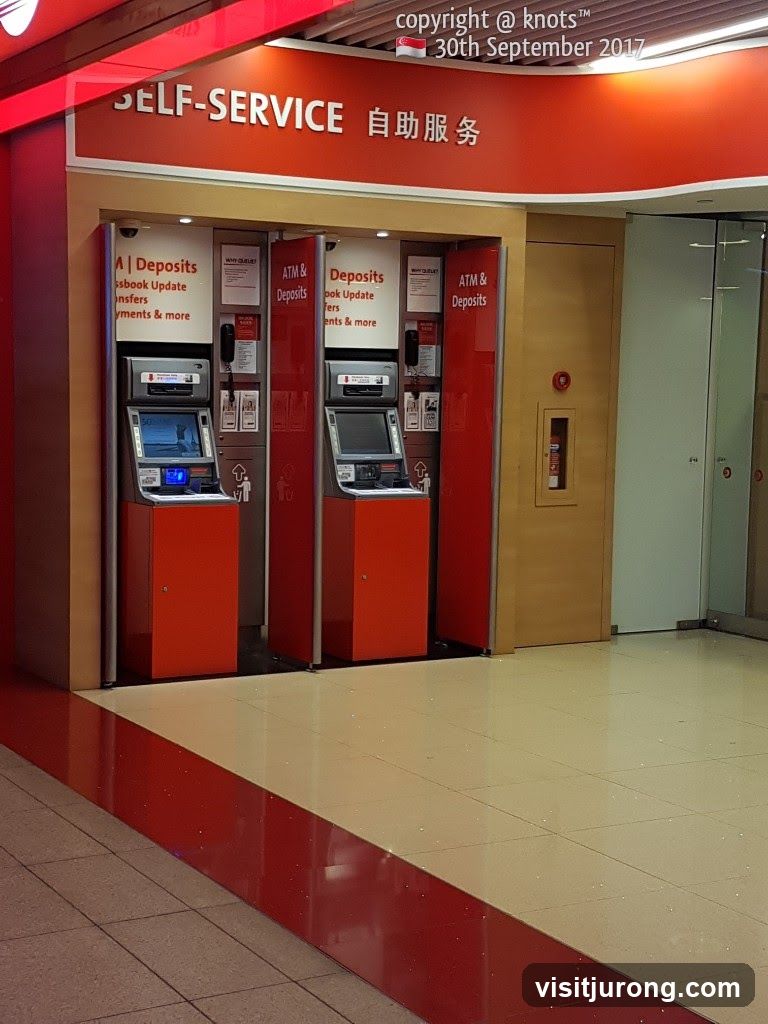
A row of self-service machines, likely ATMs, are visible. The machines are red and silver, with screens displaying information. Above the machines, a sign reads "SELF-SERVICE" in English and Chinese. The floor is tiled with a red and cream pattern.
Bank Interior with Queue Numbers
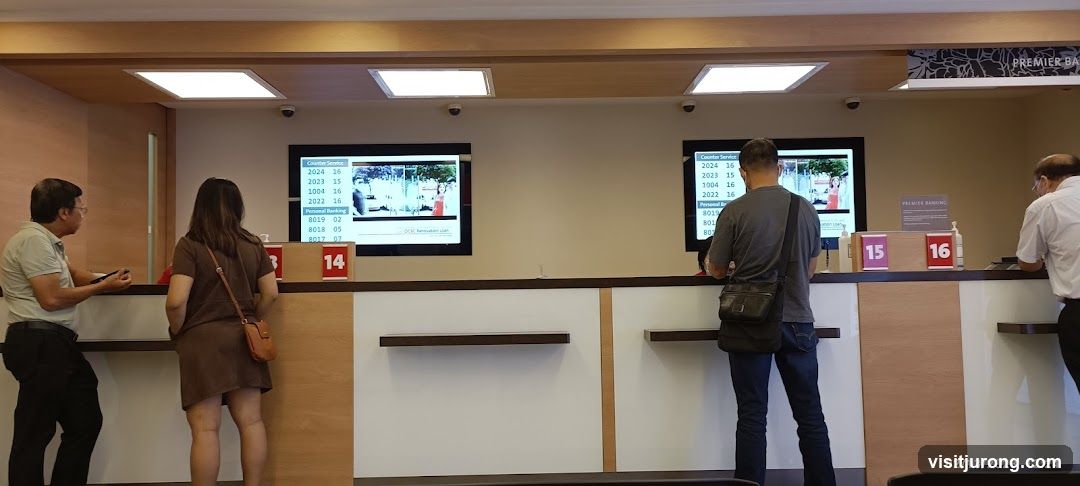
An interior view of a bank with customers waiting in line. Digital screens display queue numbers and service types. Counter numbers 14, 15, and 16 are visible. A sign indicates "PREMIER BANKING".
Bank Counter Display
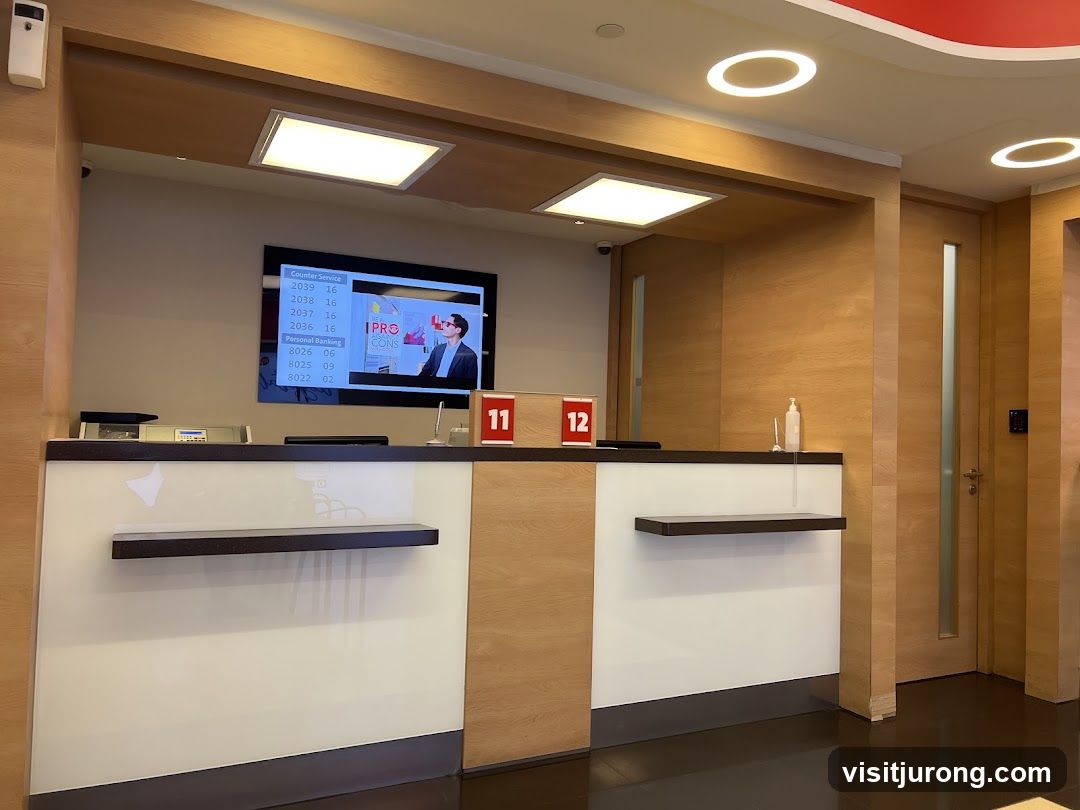
A digital display screen shows a queue number system for 'Counter Service' and 'Personal Banking'. The screen also displays a graphic with the text 'PRO CONS' and an image of a man in a suit. Two red signs with white numbers '11' and '12' are visible on the counter. The counter area is modern with wood paneling and white surfaces.
OCBC Bank ATM and Directory Boards
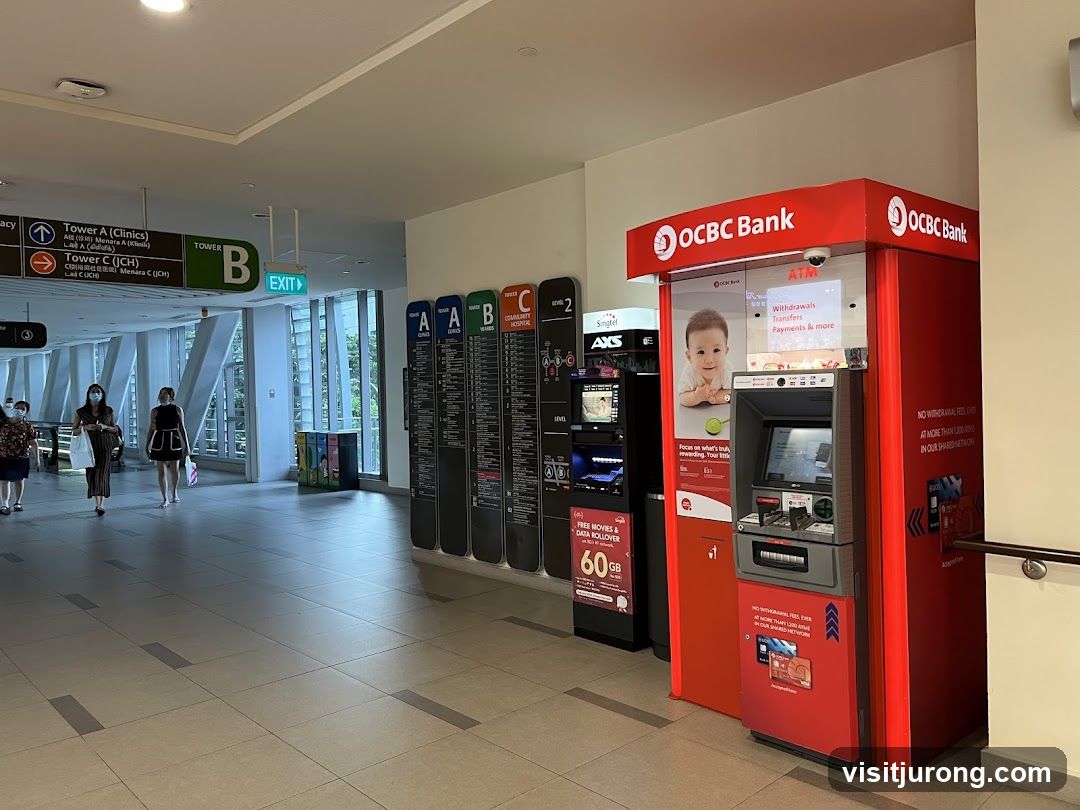
An OCBC Bank ATM is prominently displayed in a modern indoor walkway. The ATM is red with the OCBC Bank logo and offers services like withdrawals, transfers, and payments. Adjacent to the ATM are several directory boards, color-coded and labeled with letters A, B, and C, indicating different towers and facilities such as clinics, wards, and community hospitals. People are seen walking in the background.
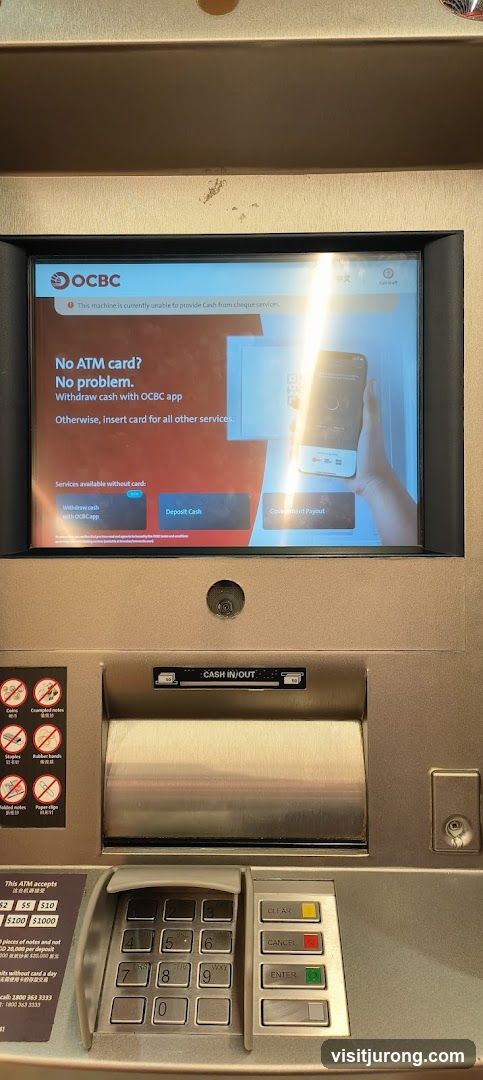
OCBC ATM Screen
An OCBC ATM screen displays a message stating that the machine is currently unable to provide cash from cheque services. It also offers options to withdraw cash using the OCBC app without an ATM card, or to insert a card for other services. Below this, options for 'Withdraw cash with OCBC App', 'Deposit Cash', and 'Government Payout' are visible. The ATM has a keypad, card slot, cash dispenser, and various icons indicating accepted and unaccepted items for deposit.
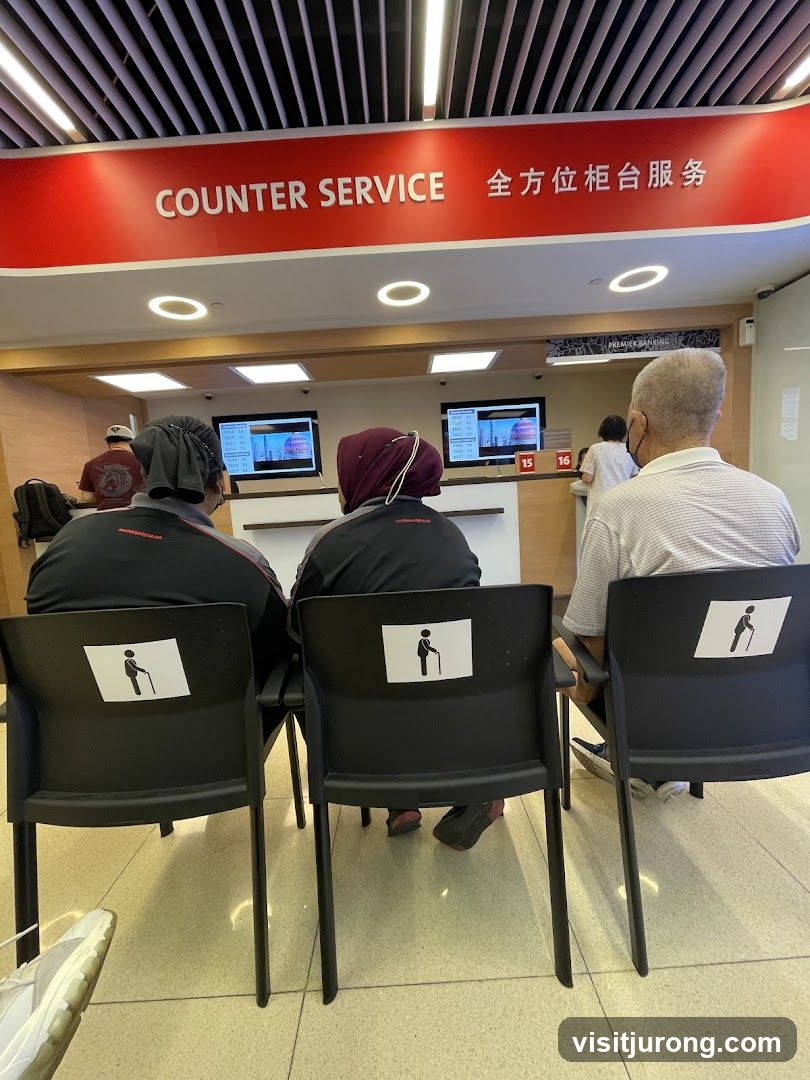
Counter Service Waiting Area
People are waiting in chairs at a counter service area. The chairs have stickers indicating priority seating for the elderly. A red banner above the counter reads "COUNTER SERVICE" in English and Chinese. Screens display queue numbers.
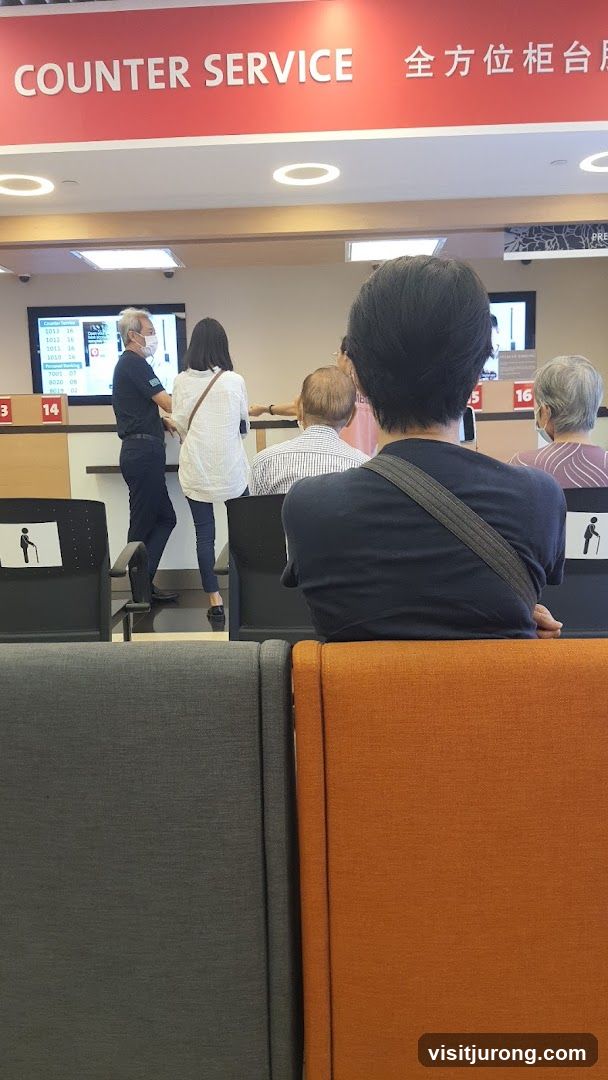
People waiting at counter service
People are waiting in line at a counter service area. A sign above reads "COUNTER SERVICE" in English and Chinese. There are screens displaying numbers and information, and numbered counters. Seating is available for those waiting.